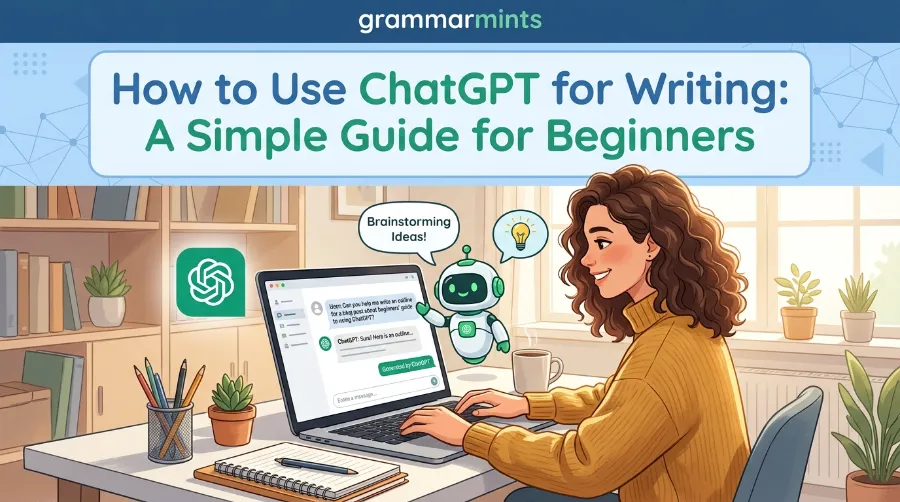
Writing used to feel like a lonely task. You stared at a blank page, waited for ideas, and often gave up halfway. Today, that struggle is smaller. Millions of people now know how to use ChatGPT for writing, and they use it daily for blogs, emails, essays, and even stories. This guide walks you through the process step by step, so you can start writing faster without losing your own voice.
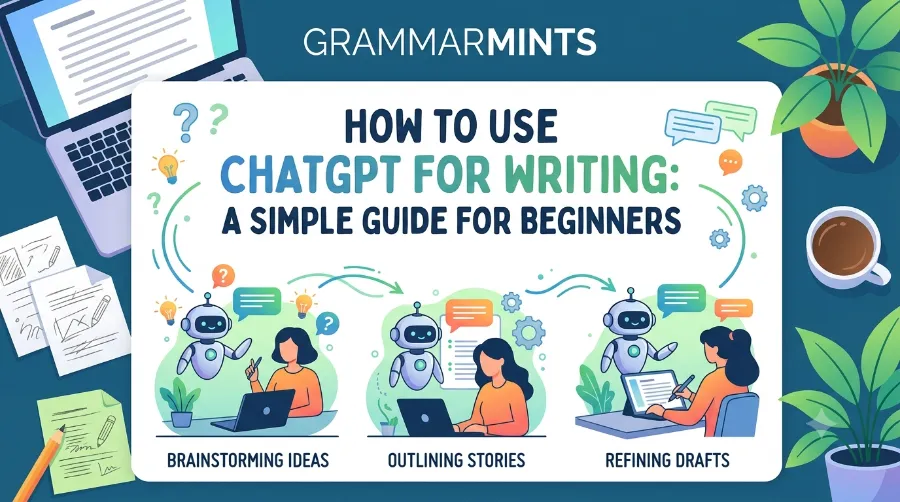
By the end of this post, you will know exactly which prompts work, which mistakes to avoid, and how professional writers blend AI with their own creativity. Let’s get started.
Why So Many Writers Are Turning to ChatGPT
ChatGPT is no longer a niche tool for tech fans. As of February 2026, OpenAI reported that ChatGPT had crossed 900 million weekly active users worldwide, and by June 2026 the app had passed 1 billion monthly active users, according to Sensor Tower data reported by Reuters. That growth did not happen by accident.
Writers, students, marketers, and small business owners are drawn to it because it saves time. According to research compiled by Backlinko, content writing and editing tasks now make up a large share of everyday ChatGPT sessions, right behind general research questions. In short, writing help is one of the top reasons people open the app.
However, most beginners use only 10% of what the tool can actually do. They type one line, get a generic answer, and stop there. The rest of this guide fixes that.
How to Use ChatGPT for Writing: Step-by-Step Process
Getting good results from ChatGPT is not about luck. It is about following a clear process. Here is the method that experienced content writers use every day.
- Start with a clear goal. Decide what you are writing before you open the chat. Is it a blog post, a cover letter, or a school essay? A vague goal always leads to a vague draft.
- Give ChatGPT context, not just a topic. Instead of typing “write a blog about coffee,” try “write a 500-word blog about home coffee brewing for beginners, in a friendly tone.” Context changes everything.
- Ask for an outline first. Before you request the full piece, ask for a short outline. This step alone catches structural problems early, so you don’t waste ten minutes on a draft you’ll throw away.
- Generate the first draft. Once the outline looks right, ask ChatGPT to expand each section. Keep your instructions specific about tone, length, and audience.
- Edit with your own voice. This step matters the most. Read the draft aloud, cut robotic phrases, and add small personal touches. This is also where you check facts and dates, since AI tools can occasionally get details wrong.
- Run a final polish pass. Ask ChatGPT to check grammar, tighten sentences, and remove repeated words. Then read it one more time yourself.
If you also want to sharpen your grammar skills alongside AI writing, our guide on daily English phrases for beginners is a great next stop.
Best ChatGPT Prompts for Different Writing Tasks
Not every writing task needs the same prompt style. Below are practical examples you can copy and adjust.
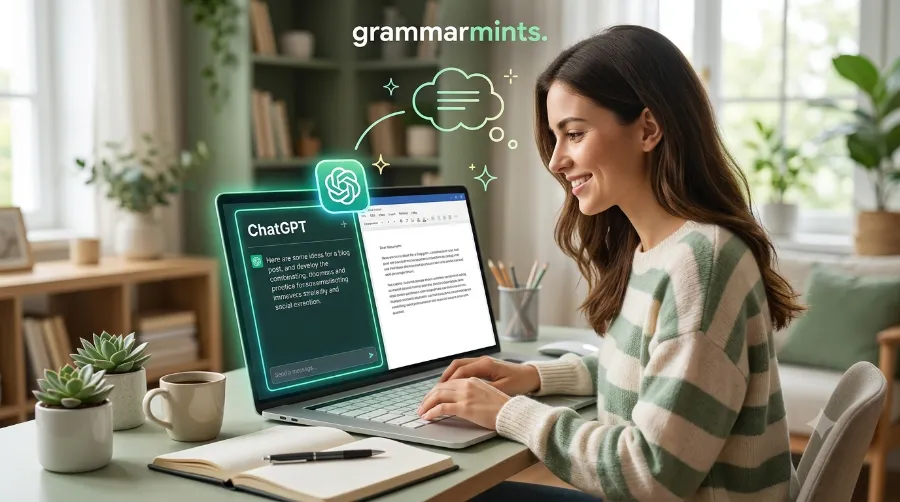
For Blog Posts
Try: “Write an engaging introduction for a blog post about budget travel in Europe, aimed at readers aged 25 to 40, in a conversational tone.” This kind of prompt gives ChatGPT enough detail to avoid generic filler.
For Emails and Business Writing
Try: “Write a polite follow-up email to a client who hasn’t replied in five days, keeping it under 120 words.” Short, task-based prompts like this work well for busy professionals. For more formal writing structures, check our guide on business English phrases.
For Academic Writing
Students often use ChatGPT to brainstorm essay structures or check clarity, though final submissions should always reflect the student’s own analysis and citations. If you are preparing for an exam essay, our post on common IELTS Writing Task 2 mistakes pairs well with this approach.
For Creative Writing
Try: “Suggest three different opening lines for a short story about a lighthouse keeper, each with a different mood.” Creative prompts work best when you ask for options rather than one final answer.
Real Results: What the Data Shows in 2026
Numbers help separate hype from reality. Here is a snapshot of how ChatGPT usage for writing has grown.
| Metric | Figure | Date |
|---|---|---|
| ChatGPT weekly active users | 900 million | February 2026 |
| ChatGPT monthly active app users | Over 1 billion | June 2026 |
| Share of ChatGPT sessions used for content writing/editing | 19% | Q1 2026 |
| Average ChatGPT web session length | 8.4 minutes | 2026 |
| Daily prompts processed globally | Around 2.5–2.8 billion | 2026 |
Sources: OpenAI, Reuters, Backlinko, Presenc AI research (2026).
A useful real-world example: a small marketing agency in Austin, Texas, reported in early 2026 that switching from manual first drafts to ChatGPT-assisted drafting cut their blog production time from six hours to roughly two hours per post, freeing editors to focus purely on quality checks and SEO. This kind of workflow shift is echoed across many small teams in the US and Europe adopting AI writing tools.
Common Mistakes to Avoid When Using ChatGPT for Writing
Even experienced users fall into these traps. Watch out for them.
- Copy-pasting without editing. Unedited AI text often sounds flat or repetitive. Always revise before publishing.
- Skipping fact-checks. ChatGPT can generate dates, statistics, or quotes that sound confident but are wrong. Verify anything specific.
- Using vague prompts. “Write something good” gives poor results. Specific prompts give specific, usable drafts.
- Ignoring your audience. A prompt written for a teenager reads very differently from one written for a business executive. Always mention your audience.
- Forgetting SEO basics. If you’re writing for the web, remind ChatGPT about your target keyword, but don’t stuff it unnaturally.
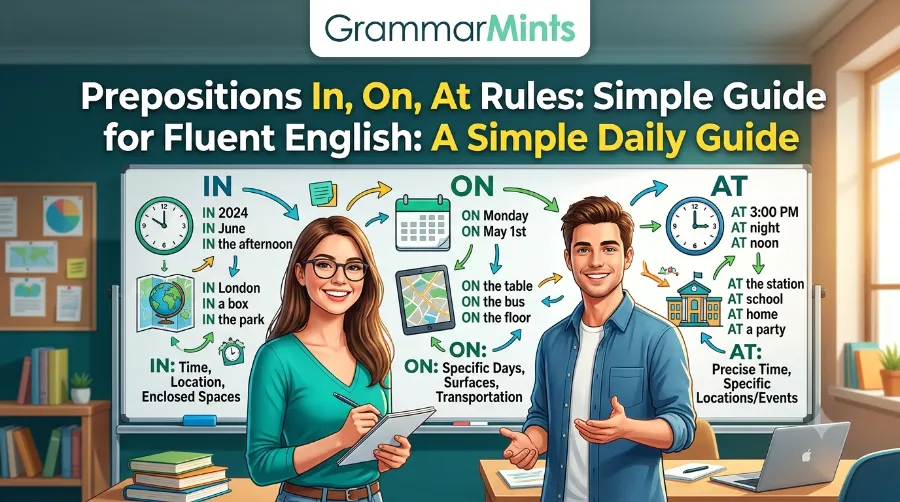
If grammar mistakes are your biggest worry, our detailed breakdown of prepositions rules for in, on, and at is worth bookmarking.
ChatGPT vs Other AI Writing Tools
ChatGPT is popular, but it is not the only option. Here’s a quick, honest comparison.
| Tool | Best For | Free Plan | Learning Curve |
|---|---|---|---|
| ChatGPT | General writing, brainstorming, editing | Yes (limited) | Low |
| Grammarly | Grammar and tone checking | Yes (limited) | Low |
| Claude | Long-form documents, nuanced tone | Yes (limited) | Low |
| Jasper | Marketing copy at scale | No | Medium |
For a broader roundup of tools students often combine with ChatGPT, see our post on the best AI tools for students in 2026.
Tips to Make AI-Assisted Writing Sound More Human
Readers can usually tell when a piece feels robotic. Here’s how to avoid that.
Firstly, vary your sentence length. Long, flowing sentences followed by short, punchy ones feel natural. Secondly, add small personal details ChatGPT cannot know, like a memory, a local reference, or a specific number from your own experience. Thirdly, read your draft out loud before publishing; awkward phrasing usually reveals itself immediately when spoken.
Additionally, avoid overused AI phrases such as “in today’s fast-paced world” or “unlock the power of.” These phrases instantly signal generic AI writing to careful readers. Consequently, cutting them out makes your content feel more genuine.
For non-native English speakers looking to sound more natural in everyday writing, our guide on how to speak English fluently at home offers practical daily exercises that pair well with AI-assisted editing.
How Professional Writers Use ChatGPT Without Losing Their Voice
Professional writers rarely accept a first draft as final. Instead, they treat ChatGPT as a fast-drafting partner. As explained in a practical walkthrough on ContentMonk’s blog about ChatGPT for content writing, the tool works best when paired with a writer’s own research, structure decisions, and final edit. Similarly, OpenAI’s own guide for student writing recommends using the tool for outlining and feedback rather than full replacement of original thought.
One freelance writer, documented in a widely shared piece on Medium, described a ten-step process for creating website copy with ChatGPT, treating the AI as a tireless partner rather than an author. This mindset, using AI for speed while keeping human judgment for quality, is the pattern that consistently produces the best results.
If your writing goals also include stronger vocabulary, pairing ChatGPT practice with our science-backed guide to improving English vocabulary can speed up your overall progress. And if you’re preparing job application materials, our cover letter writing guide shows how to combine AI drafts with a personal touch that hiring managers notice.
Frequently Asked Questions
Is it okay to use ChatGPT for professional writing?
Yes, as long as you edit the output and verify facts. Many companies now use AI drafting as a starting point, not a final product.
Will using ChatGPT make my writing sound generic?
Only if you skip editing. Adding personal examples, varying sentence structure, and removing stock phrases keeps your voice intact.
Can teachers detect ChatGPT-written essays?
Detection tools exist, but they are not perfectly accurate. Most schools recommend using AI for brainstorming only, not for submitting unedited work.
What is the best free way to start using ChatGPT for writing?
Start with the free version, use clear prompts with context, and always request an outline before a full draft.
Conclusion
Learning how to use ChatGPT for writing is less about memorizing tricks and more about building a simple habit: give clear context, request an outline, generate a draft, then edit with your own voice. Do this consistently, and you’ll notice your writing gets faster without losing its personality. As AI tools keep growing in 2026, the writers who combine speed with genuine human judgment will always stand out from those who rely on AI alone.
References
- OpenAI, official user milestone announcements, 2026
- Reuters, ChatGPT monthly active user reporting, June 2026
- Backlinko, ChatGPT Statistics report, 2026
- Presenc AI, ChatGPT Usage Statistics research, Q1 2026
- ContentMonk, ChatGPT for content writing guide
- Medium, freelance writer case study on ChatGPT website copy