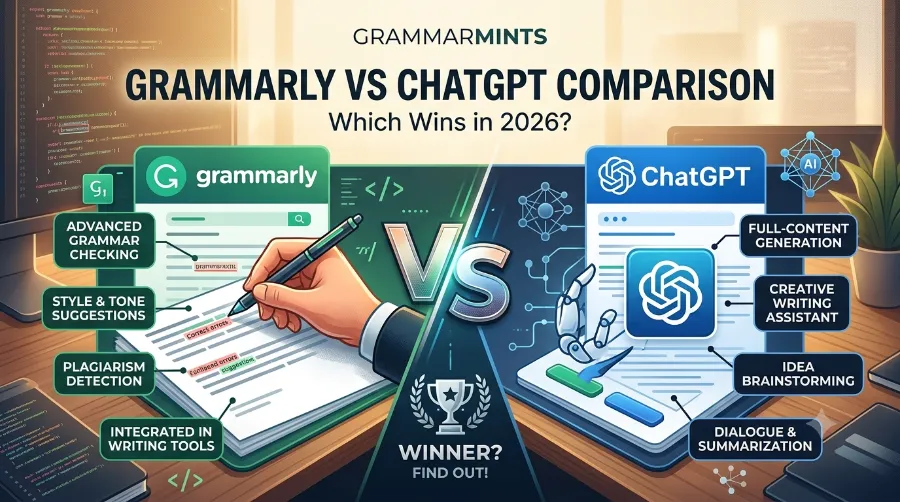
You sit down to write. The deadline is close. Your sentence feels clunky, and you are not sure if the grammar is right or if the whole paragraph needs a rewrite. So you open a tool. But which one? This is where the Grammarly vs ChatGPT comparison becomes a real decision, not just a curiosity. Both tools are popular, both use AI, but they solve different problems. In this guide, we will break down the differences in plain language, show real pricing, and share examples so you can pick with confidence.
If you want to learn more about Grammarly vs ChatGPT comparison for practical tips and expert advice.
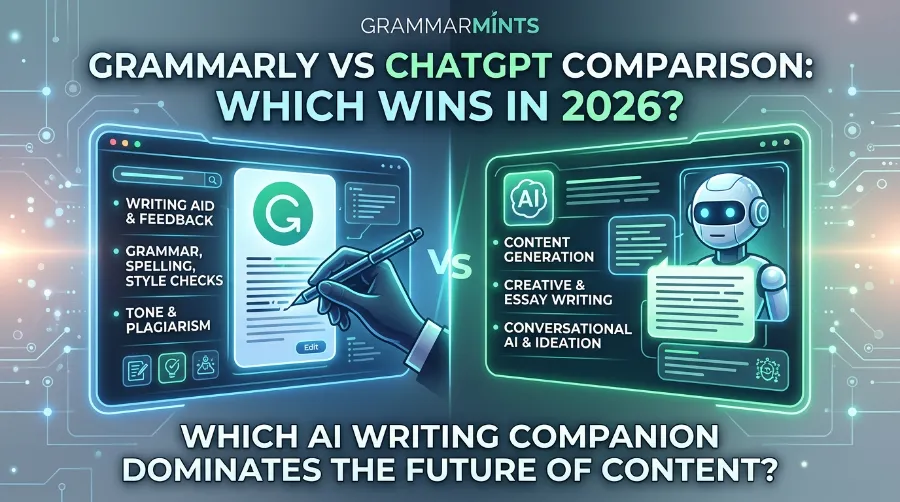
If you write emails, blog posts, essays, or business reports, this comparison will save you time and money. Let’s get into it.
What Is Grammarly?
Grammarly is a writing assistant built to catch mistakes and polish your tone. It checks grammar, spelling, punctuation, and clarity as you type. Unlike a generative tool, Grammarly does not create new content from scratch. Instead, it reacts to what you already wrote and suggests fixes.
If you want to learn more about ChatGPT prompts for studying for practical tips and expert advice
Grammarly connects with Gmail, Google Docs, Microsoft Word, Slack, and hundreds of thousands of other apps. As a result, it works quietly in the background while you write anywhere online. Because of this deep integration, many professionals treat it as a safety net rather than a creative partner.
Grammarly also added generative features in recent years, often called GrammarlyGO. However, this remains a secondary strength. Its core value is still correction, tone detection, and plagiarism checking.
What Is ChatGPT?
ChatGPT, developed by OpenAI, is a generative AI model. Instead of just fixing your text, it can write entire drafts, brainstorm ideas, and hold a conversation about your topic. So, if you are staring at a blank page, ChatGPT can get you moving quickly.
If you want to learn more about best study techniques for studenttips and expert advice.
ChatGPT is flexible. You can ask it to write in a formal tone, a casual tone, or even a specific brand voice. Additionally, it can summarize long documents, translate text, and outline a full article in seconds. However, it does not have built-in real-time grammar checking or plagiarism detection the way Grammarly does. Therefore, many writers still run their ChatGPT drafts through a dedicated editing tool afterward.
Grammarly vs ChatGPT Comparison: Head-to-Head Table
Numbers make decisions easier. Below is a side-by-side comparison chart of both tools based on their core capabilities.
| Feature | Grammarly | ChatGPT |
|---|---|---|
| Primary purpose | Editing and proofreading | Content generation and brainstorming |
| Real-time grammar checks | Yes | No |
| Plagiarism detection | Yes (Premium) | No |
| Content generation | Limited (GrammarlyGO) | Extensive |
| Tone and style detection | Yes | Prompt-dependent |
| App integrations | 500,000+ apps and platforms | Manual copy-paste, browser use |
| Best for | Polishing existing writing | Drafting from scratch |
This table shows why the Grammarly vs ChatGPT comparison is not really about which tool is “better.” It is about which job you need done right now.
If you want to learn more about best study techniques for students tips and expert advice.
Real-Life Examples: How Writers Actually Use Both Tools
Numbers only tell part of the story, so let’s look at how real writers use these tools together.
Content strategist and author Bryan Collins tested both tools again in early 2025 after first comparing them years earlier. He writes a daily 500 to 600-word email to his subscribers and ran that same content through both tools to compare the editing quality and speed. This kind of side-by-side test is common among professional bloggers who need daily output without sacrificing accuracy, as detailed in his full write up on Medium.
Meanwhile, marketing teams increasingly follow a three-phase workflow: first, ChatGPT handles content strategy and outlines; next, it drafts the first version of the article; finally, Grammarly steps in for grammar checks, brand voice alignment, and a plagiarism scan before publishing. Teams that adopt this hybrid model report meaningful productivity gains, since each tool focuses only on what it does best.
If you want to learn more about best note taking methods for students tips and expert advice.
A 2026 market analysis also found that close to 50% of teams start writing with ChatGPT and finish editing with Grammarly, and this hybrid workflow correlates with a 75% jump in both output speed and content quality. In short, real writers are not choosing sides. They are combining strengths.
If you want to learn more about best Pomodoro technique for students tips and expert advice.
Pricing Breakdown: Grammarly vs ChatGPT Comparison Cost
Budget matters, especially if you are a freelancer, student, or small business owner. Here is a clear pricing snapshot for 2026.
| Plan | Grammarly | ChatGPT |
|---|---|---|
| Free tier | Yes, includes basic grammar checks and 100 AI prompts/month | Yes, includes GPT-3.5 access |
| Individual paid plan | $12/month (billed annually) or $30/month | $20/month (ChatGPT Plus) |
| Team/business plan | $15/user/month (Business) | $25/user/month (Team) |
| Extra perks | 1,000 AI prompts, full-sentence rewrites, plagiarism check | Faster models, image generation, longer context |
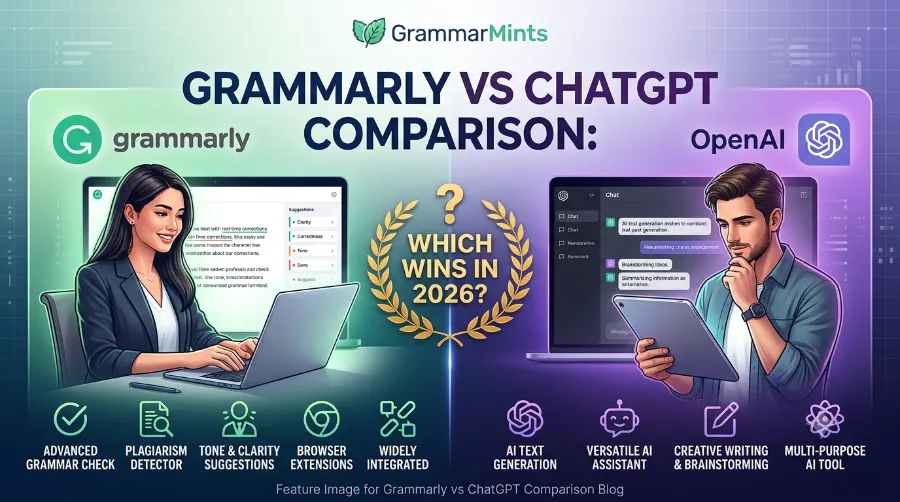
If you write daily and need constant polish, Grammarly’s $12/month plan is often the more affordable long-term option. On the other hand, if your job is heavy content creation, ChatGPT Plus at $20/month may pay for itself quickly through time saved.
One workflow study estimated that a professional writer charging $50/hour who saves around 15 hours a month using both tools together generates roughly $9,000 in annual value, which comes out to a return on investment above 2,000%. That is a compelling case for using both rather than picking just one.
Pros and Cons
Grammarly: Strengths and Weaknesses
Grammarly’s biggest strength is convenience. It works quietly across almost any app you already use, catching errors before you hit send. It also offers solid plagiarism detection, which matters for students and content teams. However, it does have some real limits:
- Advanced features sit behind a paywall, which can feel costly for casual users.
- Its suggestions occasionally sound overly formal.
- It focuses on English, so multilingual writers may need extra tools.
- Content generation remains limited compared to ChatGPT.
ChatGPT: Strengths and Weaknesses
ChatGPT shines when you need to create something from nothing. It can brainstorm, outline, draft, and rewrite in seconds, and it adapts to almost any tone you request. That said, it has trade-offs too:
- It has no built-in real-time editing, so you must copy and paste text manually.
- It lacks dedicated plagiarism detection.
- Output quality depends heavily on how well you write your prompt.
- It can occasionally produce inconsistent or repetitive results.
Which Tool Should You Choose?
Your choice really depends on your daily writing habits. Consider the following:
- If you draft content often (blog posts, marketing copy, scripts), start with ChatGPT, then polish with Grammarly.
- If you write short-form content daily (emails, Slack messages, reports), Grammarly alone may be enough.
- If you are a student, use ChatGPT for research and outlines, then run your essay through Grammarly for grammar and originality checks.
- If budget is tight, Grammarly’s free tier plus ChatGPT’s free tier can still cover most everyday needs.
For a deeper look at combining both tools inside your existing writing stack, check out our complete AI writing workflow guide and our breakdown of Grammarly alternatives worth testing. If you are curious about prompt techniques specifically for writers, our guide on ChatGPT prompts for content creators walks through practical examples.
For additional independent research on this topic, two more detailed breakdowns are worth reading: this feature-by-feature analysis from Supwriter and this use-case comparison from Sintra AI, both of which go deeper into specific workflow scenarios. You can also explore more writing tool comparisons and tips over at GrammarMints.
Frequently Asked Questions
Is Grammarly better than ChatGPT for grammar checking?
Yes. Grammarly was built specifically for grammar, tone, and clarity checks, so it catches errors more consistently than ChatGPT, which requires a specific prompt to review text.
Can ChatGPT replace Grammarly completely?
Not quite. ChatGPT can suggest edits, but it lacks real-time integration and dedicated plagiarism detection, so most writers still pair it with an editing tool.
Is Grammarly cheaper than ChatGPT?
Grammarly Premium starts at $12/month on an annual plan, while ChatGPT Plus costs $20/month. However, both offer usable free versions.
Do professional writers use both tools together?
Yes, and this has become the most common approach in 2026. Many use ChatGPT for drafting and Grammarly for polishing, since this combination saves significant editing time.
Which tool is better for students?
Most students use ChatGPT for research, outlines, and idea generation, then use Grammarly to check grammar, tone, and originality before submitting their work.
Conclusion
The Grammarly vs ChatGPT comparison does not really have a single winner, because these tools were built to solve different problems. Grammarly protects the quality of what you have already written, while ChatGPT helps you create something new when you are starting from zero. If you want the best results, do not force yourself to choose only one. Instead, let ChatGPT help you draft faster, and let Grammarly make sure that draft looks polished and professional before it reaches your reader.
References
- Supwriter, “Grammarly vs ChatGPT” – https://supwriter.com/grammarly-vs-chatgpt
- Sintra AI Blog, “Grammarly vs ChatGPT” – https://sintra.ai/blog/grammarly-vs-chatgpt
- Bryan Collins, “Grammarly or ChatGPT?” (Medium) – https://bryanjcollins.medium.com/grammarly-or-chatgpt-c30a73b5b059
- Grammarly Official Site – https://www.grammarly.com
- OpenAI Official Site – https://openai.com